We’ve deployed a virtual machine from a vRA blueprint, but we still have to manage that machine. One of the cool things we can do with vRealize Automation 7 is to add a custom action. This takes the virtual machine object and runs a vRealize Orchestration blueprint against that input. We call these actions “Day 2 Operations” since they happen post provisioning.
To create a new custom resource action go to the Design Tab –> Design –> Resource Actions. Click the “New” button to add a new action.
Select the Orchestrator workflow from the list.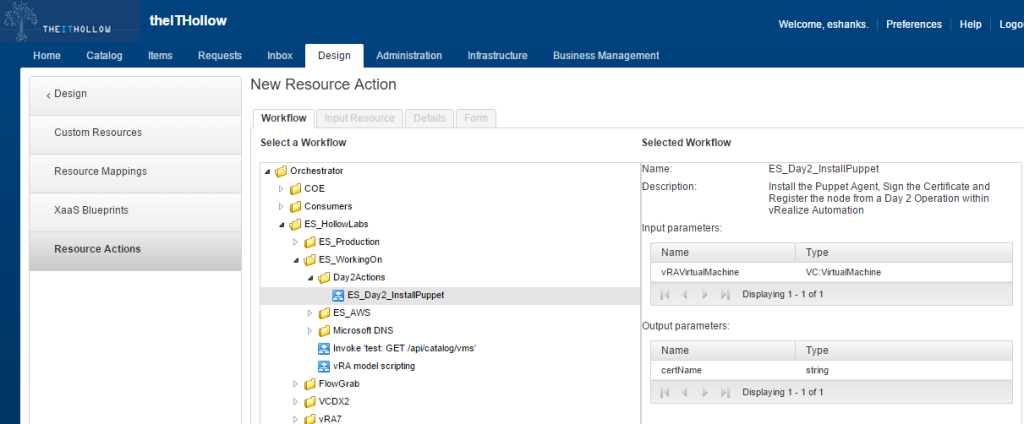
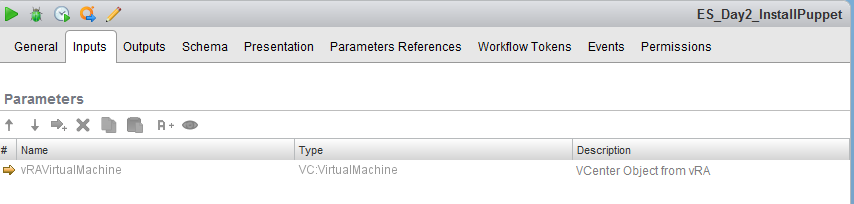
The vRO workflow should have an input parameter that can be passed from a server blueprint. I’m using a VC:VirtualMachine parameter because I know it will identify the virtual machine and is passed automatically.
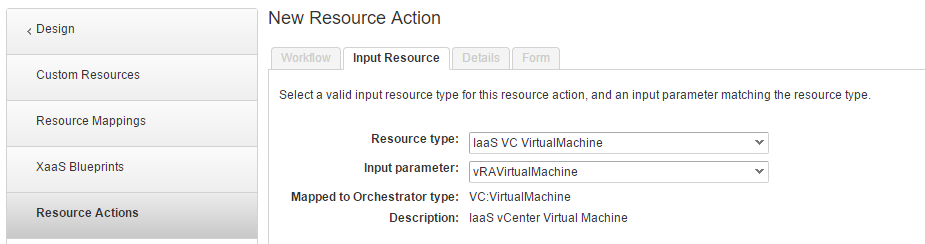
On the Input Resource tab, select the IaaS VC Virtual Machien as the resource type and the Input Parameter should be filled in already.
On the details tab enter the name and a description. The Type in my case is blank because i’m not using it for provisioning or deprovisioning. 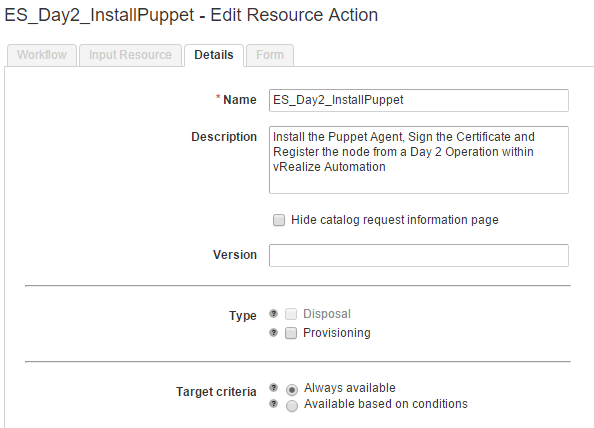
Change the form to match your requirements. I like to keep the form as empty as possible so that users are able to request the action from a blueprint and vRO attributes fill in the rest.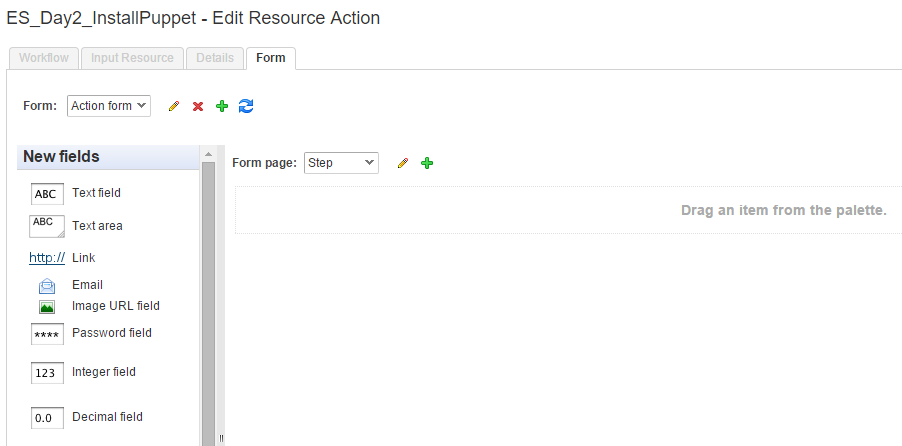
When you’re done, be sure to “Publish” the blueprint so that it can be used.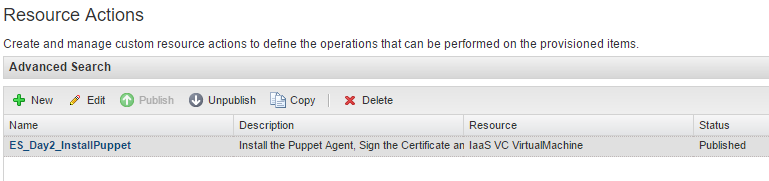
Now we need to configure the action, much like we’ve configured our catalog items in a previous post.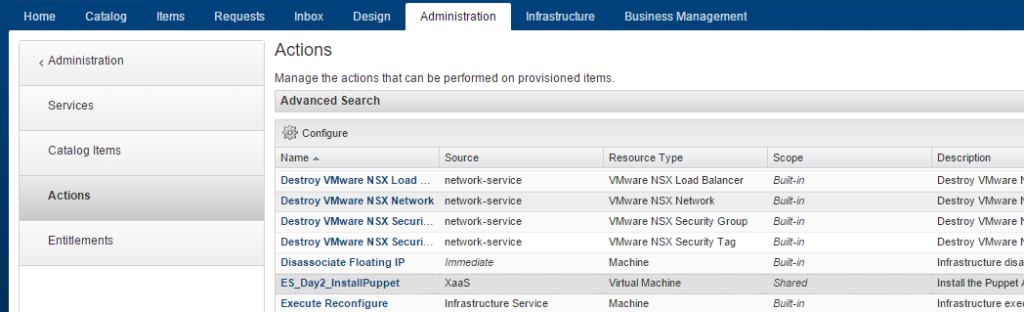
Give the action an icon and click Finish.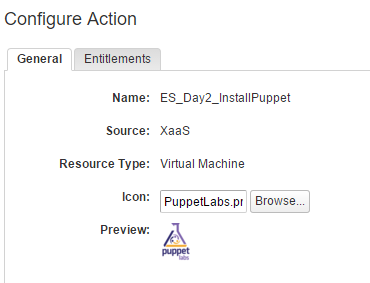
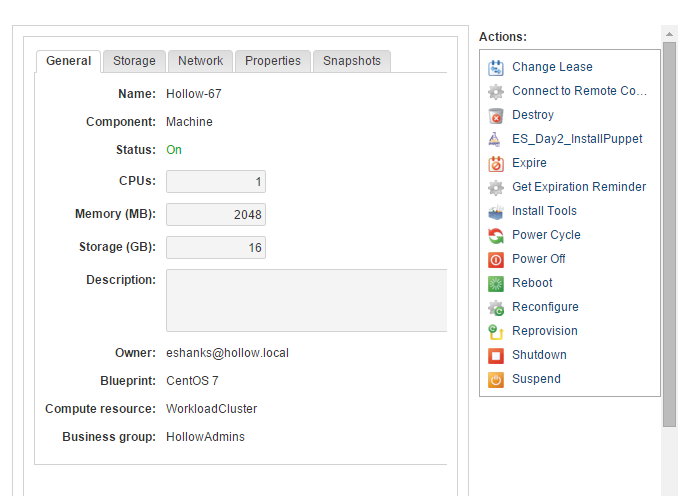
Now, when we provision a virtual machine, we can see the Action that we created in our list. We can now run this action from the Items screen.
Summary
Custom Actions are a great way to allow our users to manage their own resources after they’ve provisioned them. Since its a vRealize Orchestrator workflow, we can use these actions to put guardrails on actions to protect users from themselves. For instance maybe we replace the “Snapshot” action with a custom action that also deletes the snapshots after 3 days. It certainly can reduce helpdesk tickets that come in and ask for a snapshot to be taken.